Loading Extra Data Files
Njord lets you combine data from multiple files in a single session — for example, pairing a main GPS log with heart rate from a smartwatch, load cell data from a mast sensor, or events from a Sailmon. Any channel from the extra file is merged with the boat log and available in all visualizations.
See also: Data Overview — File Purpose
Step 1
Navigate to https://app.sailnjord.com/data/
Step 2
Select the boat you want to load data to
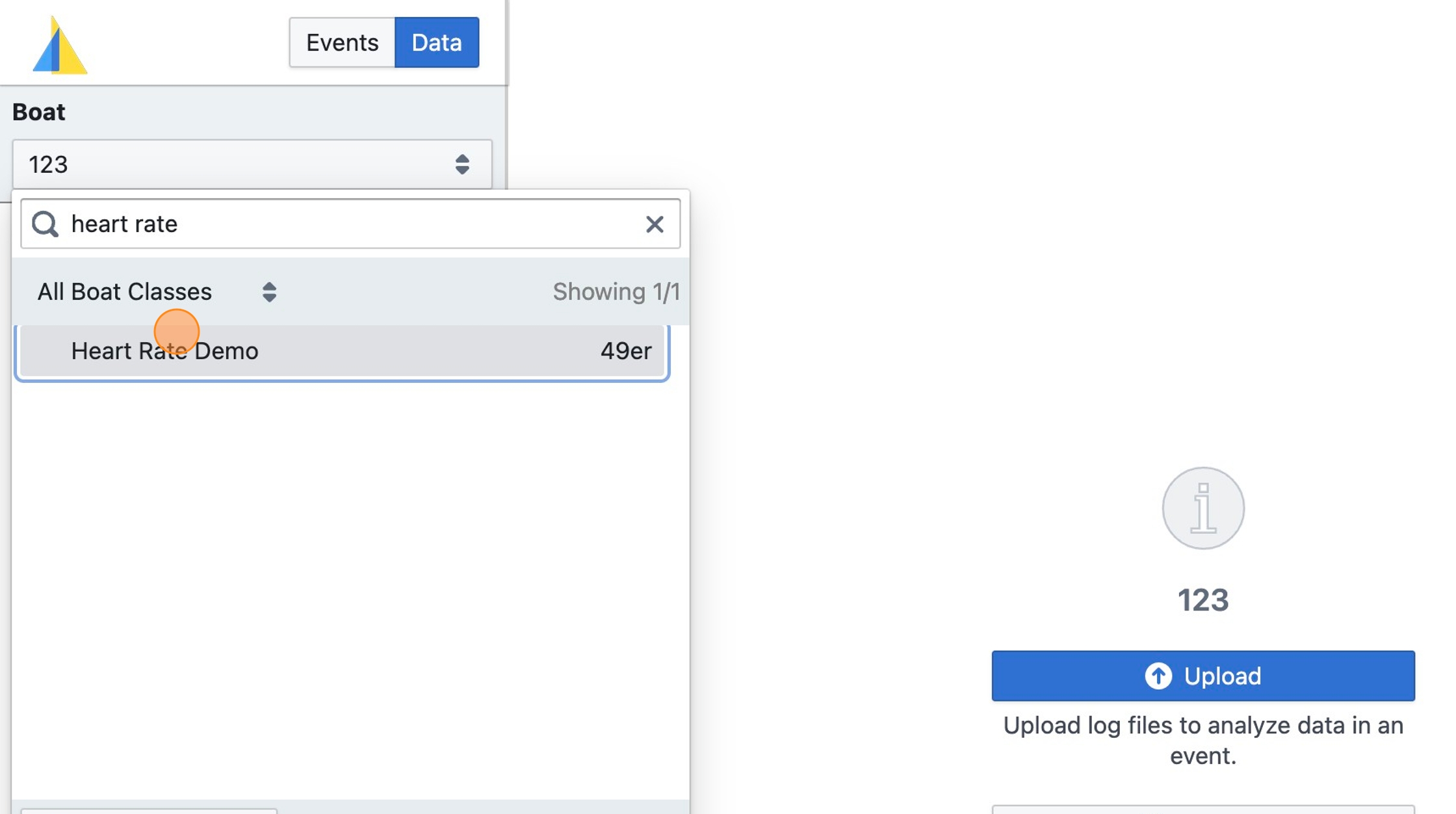
Step 3
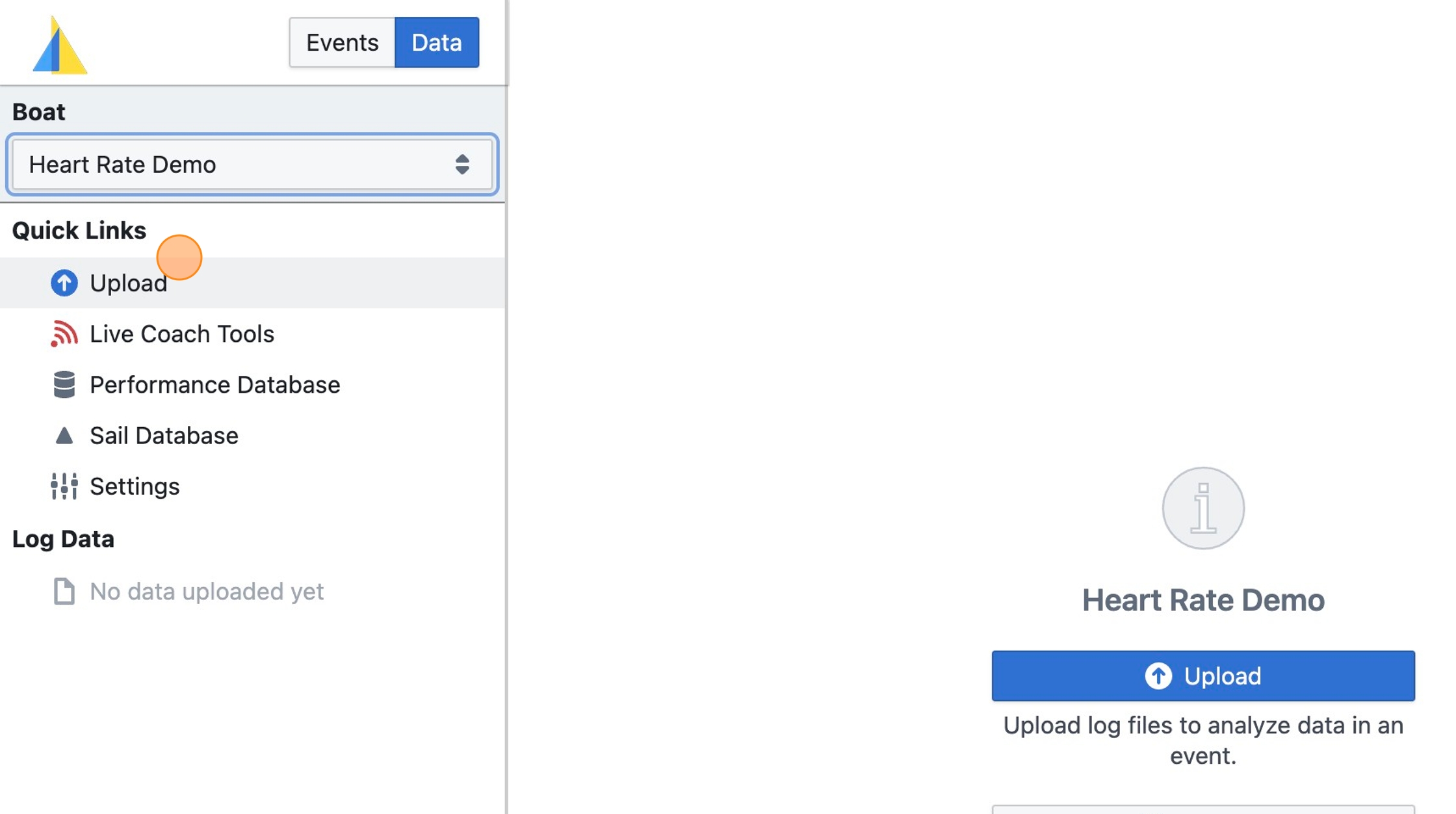
Click "Upload"
Step 4
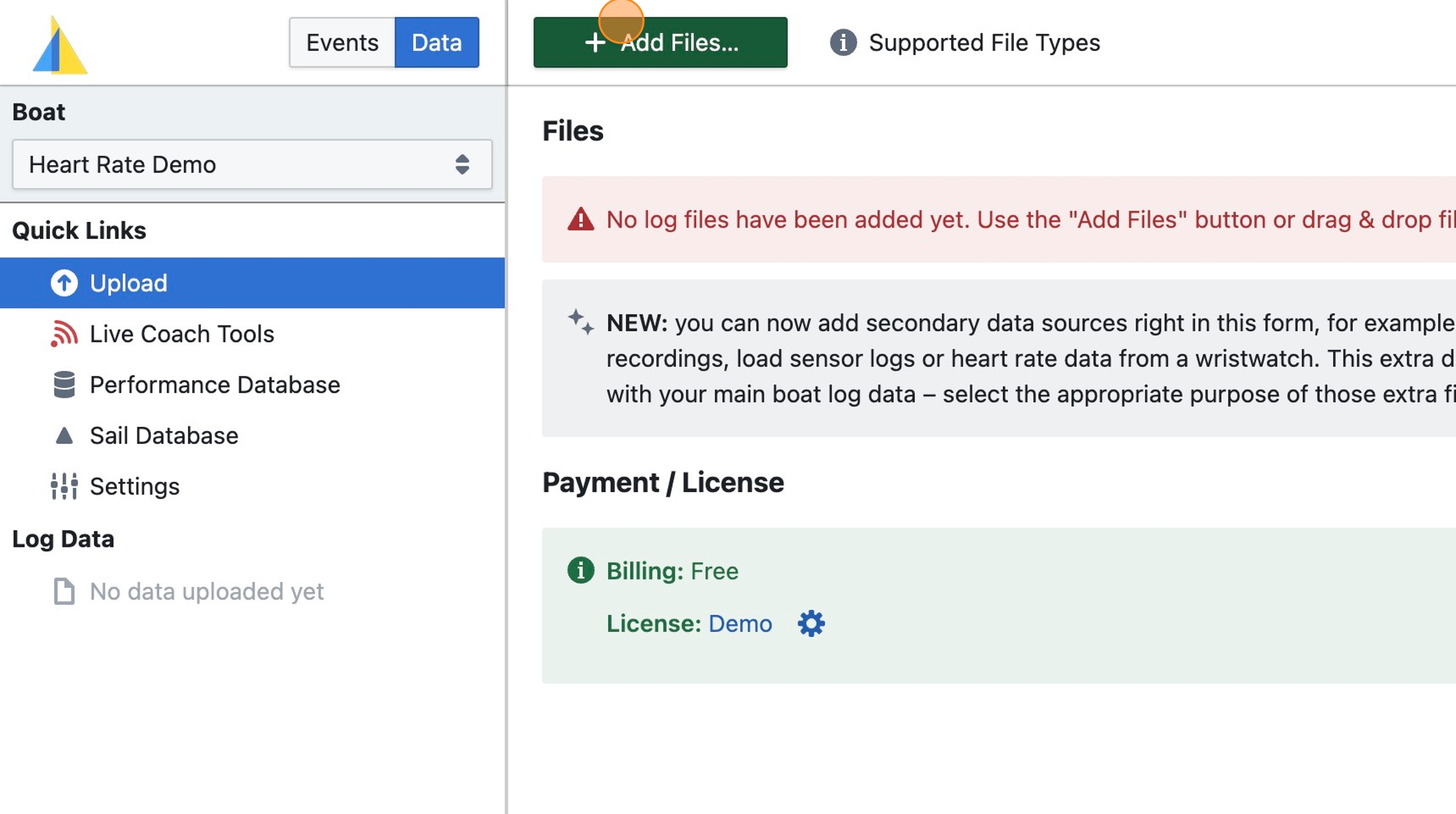
Click "Add Files…"
Step 5
Select two files:
-
The boat log data file (here: "Sailmon Log File.csv") recorded from the boat's instruments (e.g. Vakaros, Sailmon, Velocitek tracker, or others) containing GPS data etc.
-
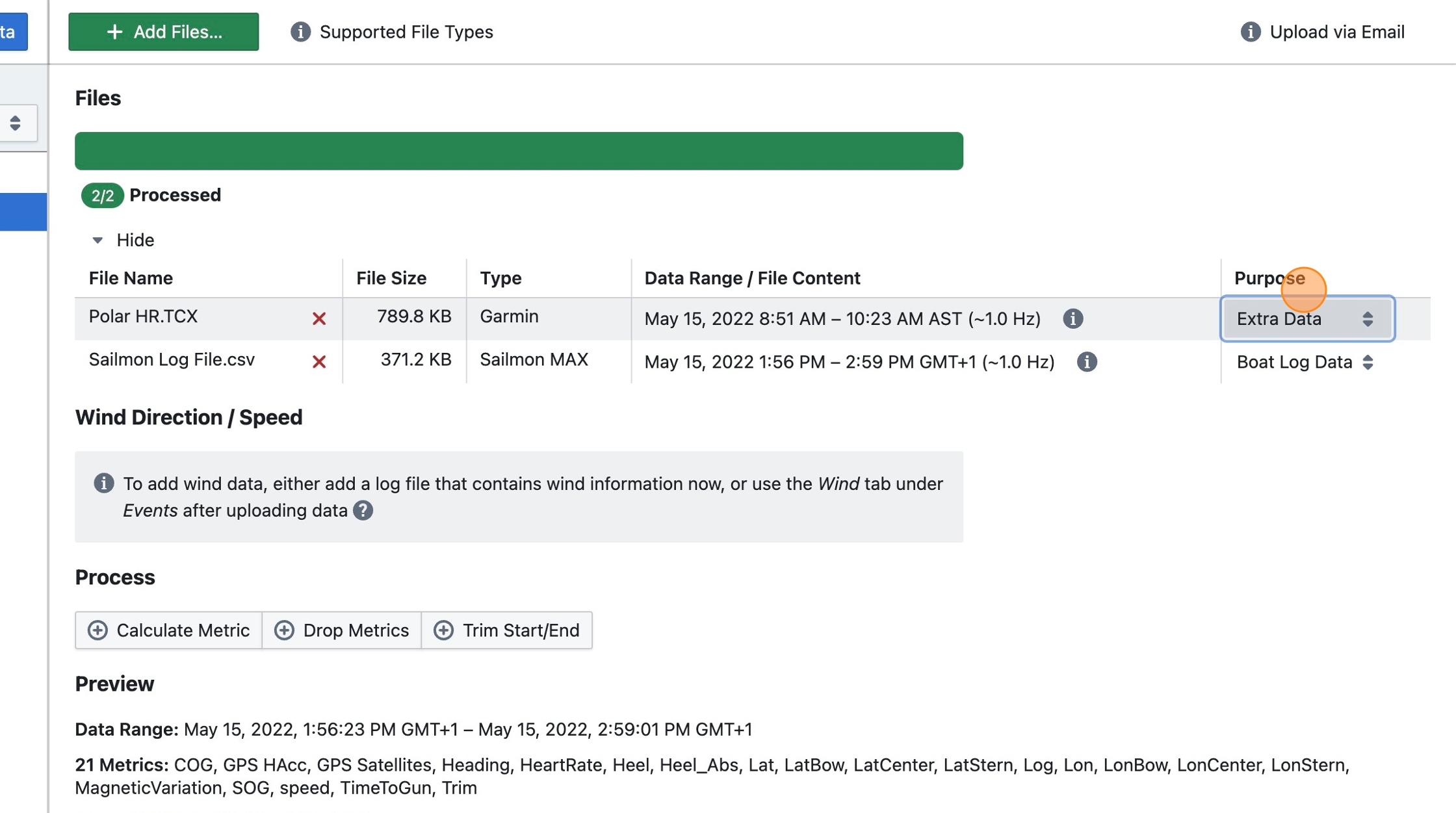
An extra data file (here: "Polar HR.TCX") containing heart rate data (from a smartwatch), or load cell data (from a Cyclops sensor), or similar, which will be joined with the GPS base data
With the same technique you can also add more than one extra data file, each will be joined with the boat log data - i.e. any metrics contained in the extra data file that are not in the boat log data file will be taken from the extra data file. For example, if both the boat log file and the extra data file contains GPS data, GPS data will be used from the boat log data file, not the extra data file.
Tip: Learn more about supported data sources at https://www.sailnjord.com/data-sources/
Step 6
Ensure that for the extra data file (here: "Polar HR.TCX") the Purpose field is set to Extra Data
Step 7
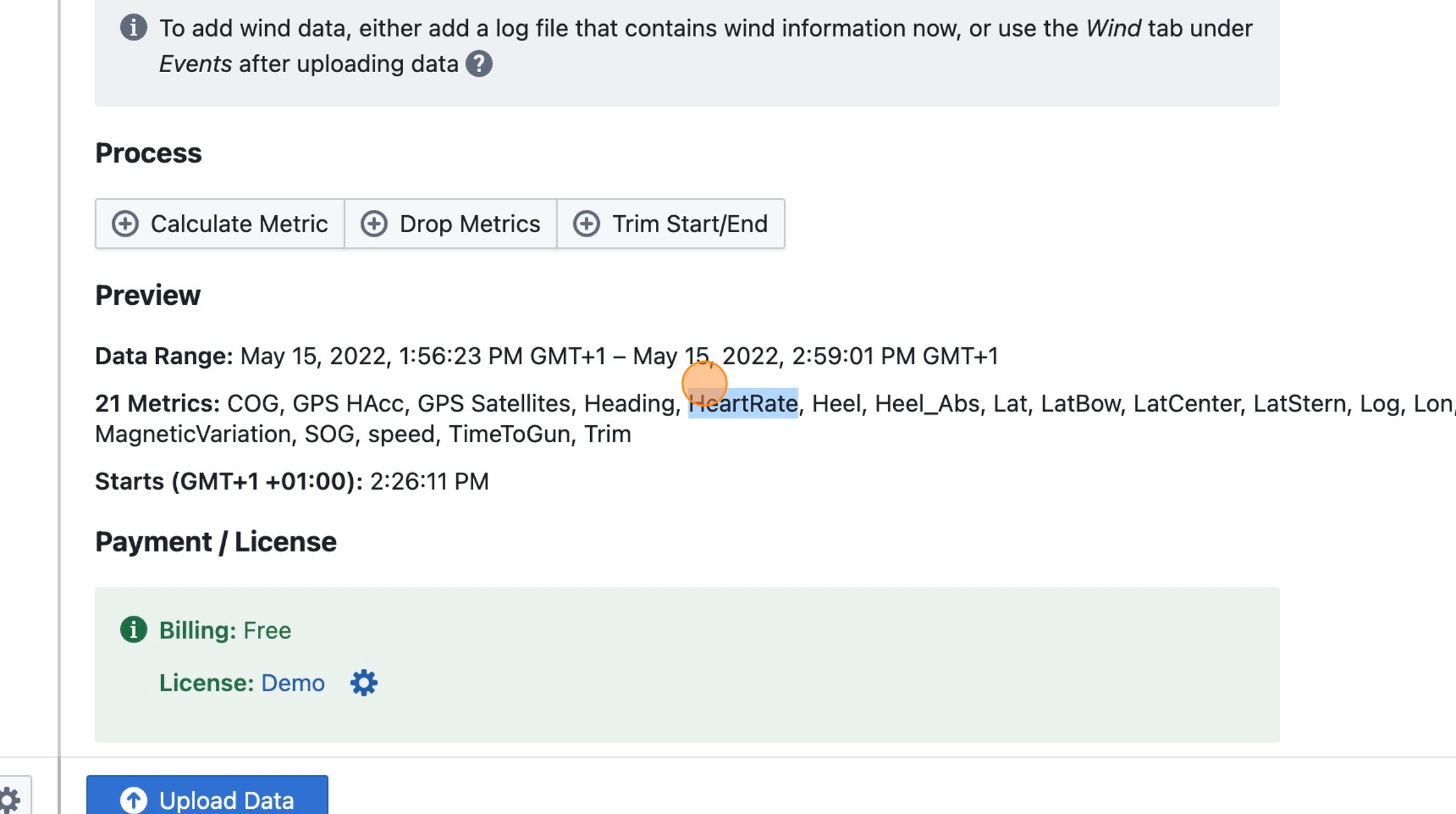
Note that the data from the extra data file appears in the preview
Step 8
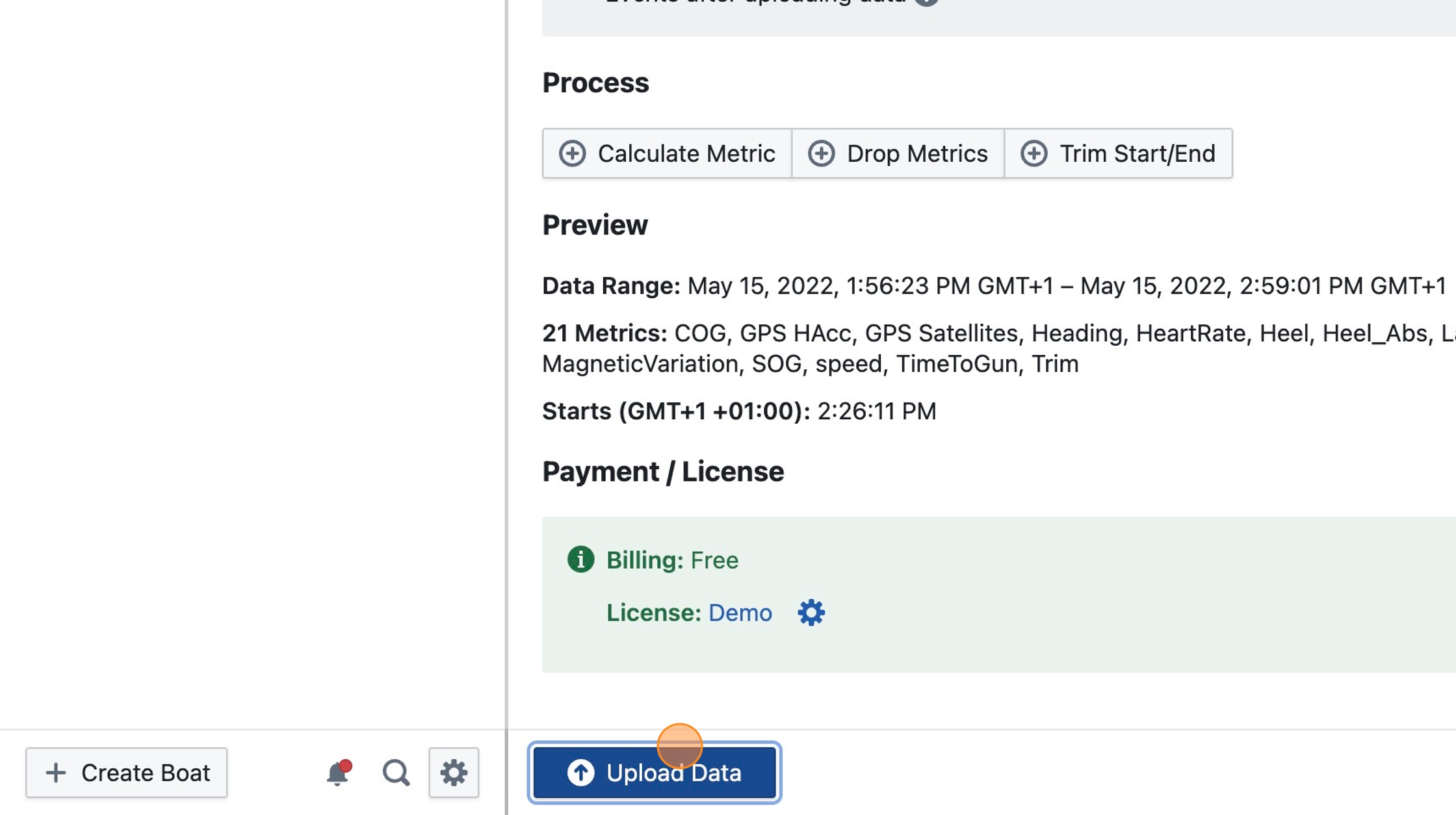
Click "Upload Data"
Step 9
Proceed to create an event to view your data as described in Upload Boat Data steps 10-13
Step 10
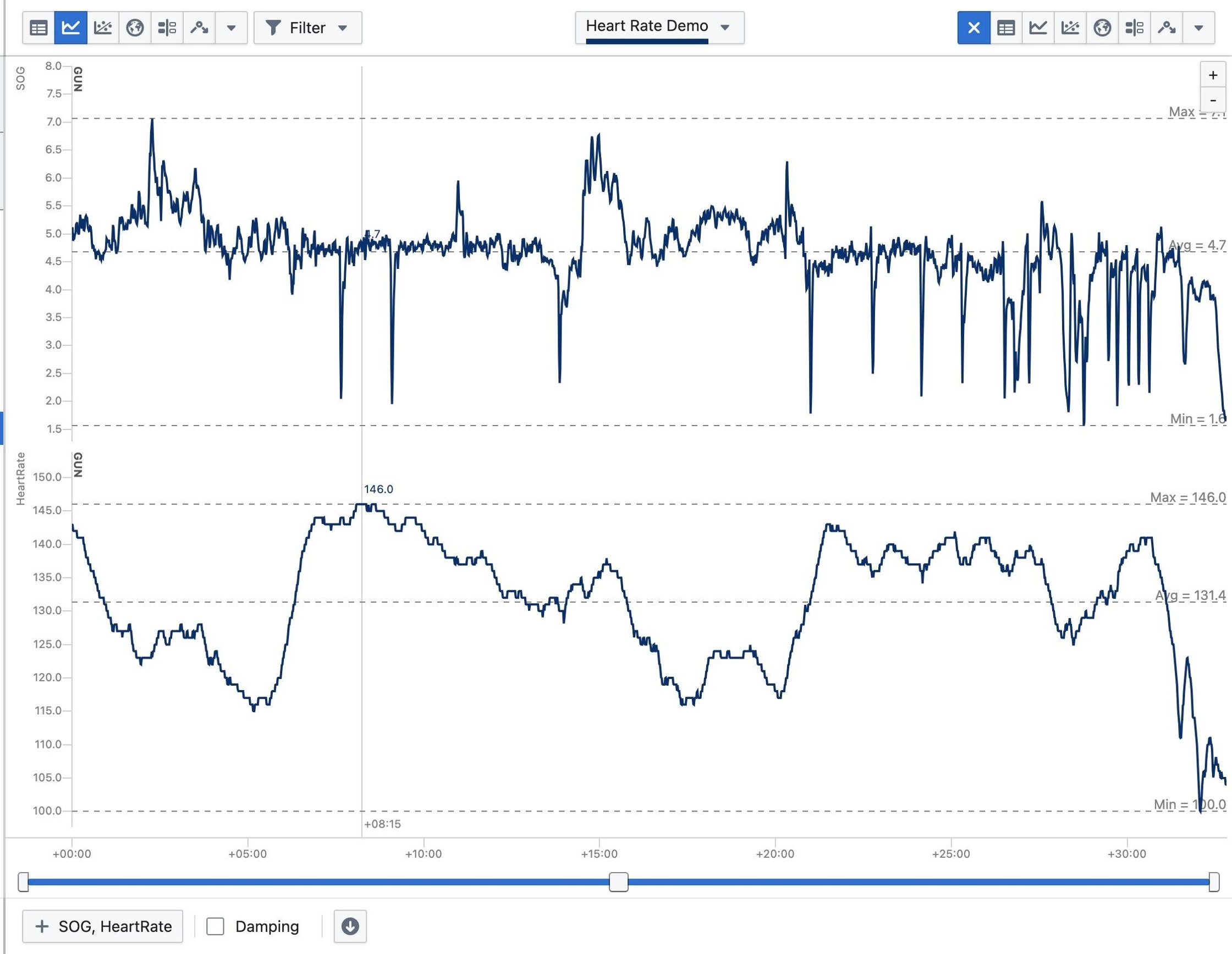
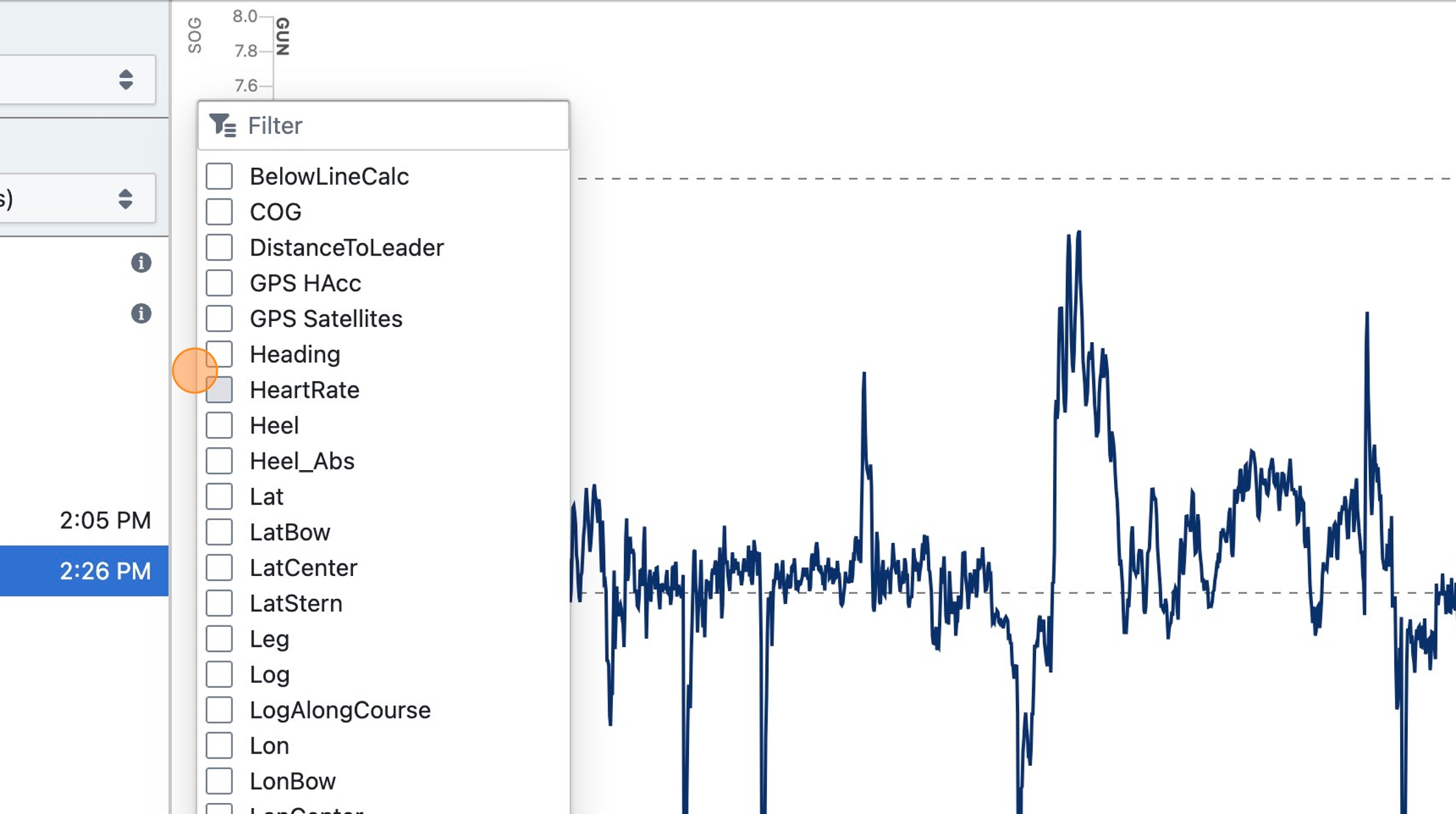
Select HeartRate to display it in any visualization
Step 11
Heart rate data can now be analyzed alongside other boat data such as SOG, Heel, etc.