Adding Wind Data
True wind direction is the key that unlocks the most powerful parts of Njord Analytics — leg detection, maneuver analysis, VMG, and polar targets all depend on it. If your boat doesn't record wind data, there are several ways to add it.
Wind direction (TWD) enables TWA and VMG, drives automatic upwind/downwind leg detection, and is required for maneuver detection and analysis.
Wind speed (TWS) adds context for record keeping and puts performance numbers in perspective. Some features, including target analysis and polar comparisons, only work when TWS is present.
When does TWD inference work well?
Inference works best with clean straight upwind/downwind sailing, clear tacks and gybes, consistent wind direction, and good boatspeed data (paddlewheel preferred over GPS SOG). It works less well in light, shifty, or puffy conditions, on reaching-dominated courses, or when maneuvers are short and messy.
If inference drifts mid-day: Limit the inference time range to start at the first start, and enter an initial TWD seed value such as the bearing of the first start line. For days with significant wind shifts between races, re-run inference separately for each segment with its own wind conditions rather than covering the whole day in one pass. Each run only replaces wind direction and speed inside the time range you select, leaving them as they are outside it, so separate runs build the day up race by race instead of overwriting one another.
With multiple boats: TWD inference is more reliable when several boats' data are loaded into the same event — the algorithm uses combined maneuver geometry across all boats to better constrain the solution.
If inference fails entirely: Try "Weather Data" or a manually entered constant TWD. Defining a full race course (all marks) also helps — leg boundaries derived from mark roundings are more robust to wind shifts than TWA-based detection alone.
Adding wind from a coach boat file
A wind file from a coach or chase boat can be used to supply TWD and TWS. The file must either contain TWD/TWS directly, or contain AWA + AWS + Heading (or COG) + BoatSpeed (or SOG) so Njord can calculate the true wind from the coach boat's data.
To include wind channels beyond TWD/TWS (e.g. gust), upload the wind file as a second file alongside the main log in the same upload — do not use the Events → Wind tab, which copies only TWD and TWS. The "low sample rate" warning shown for wind files can be ignored — Njord interpolates the wind data when merging.
Step 1
Navigate to https://app.sailnjord.com/
Step 2
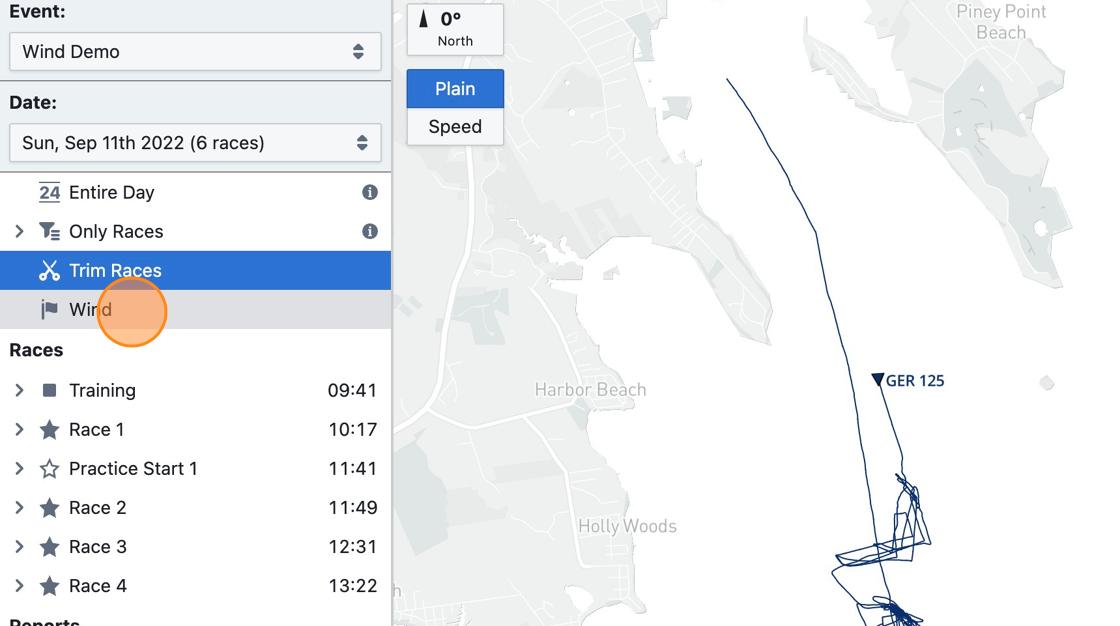
Click "Wind"
Step 3
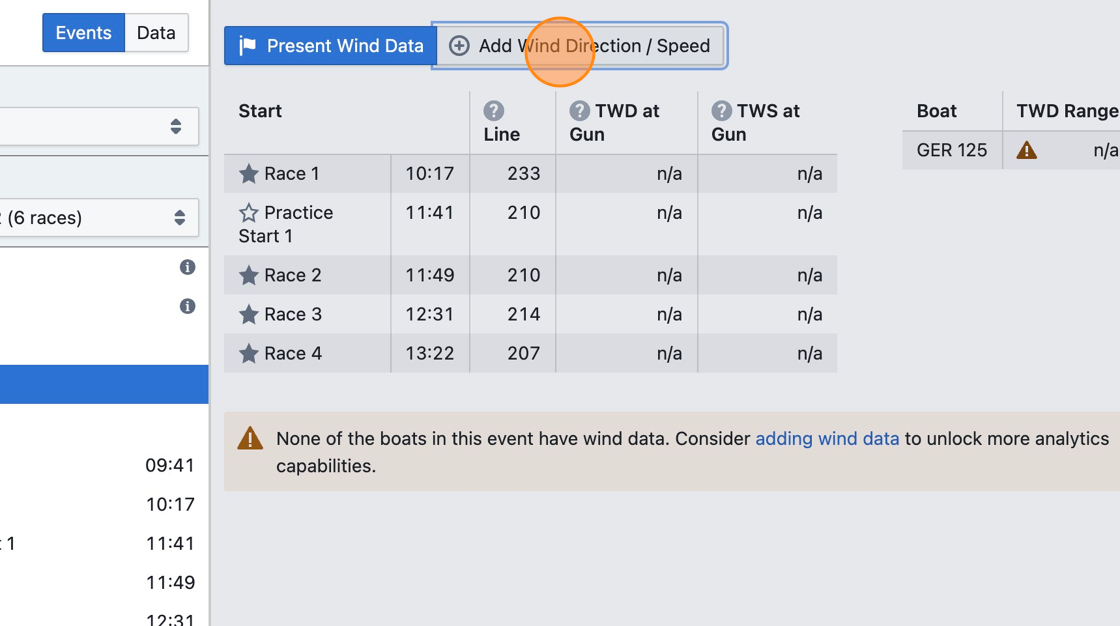
You will see an overview of race times and boats in the selected event, with an overview of available wind data for each race and boat.
Step 4
Click "Add Wind Direction / Speed"
Step 5
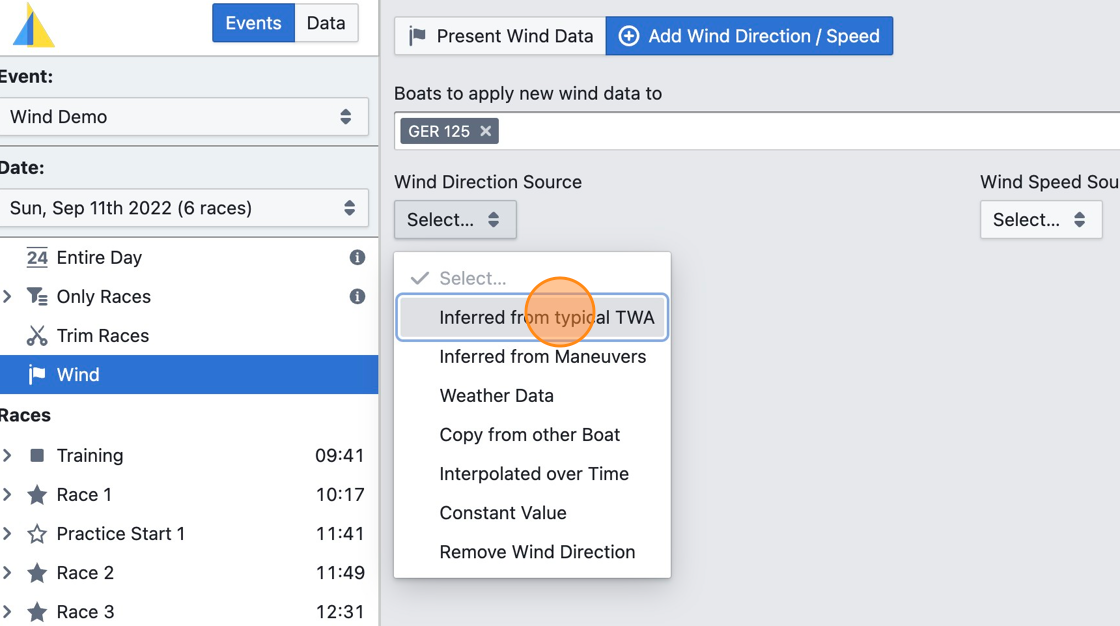
Select "Inferred from typical TWA" for "Wind Direction Source".
This option is recommended if your sailing on that day consists of good straight line upwind/downwind sailing and clean maneuvers. Otherwise, try using the "Weather Data" option or entering wind direction manually ("Constant Value" or "Interpolated over Time" options).
Step 6
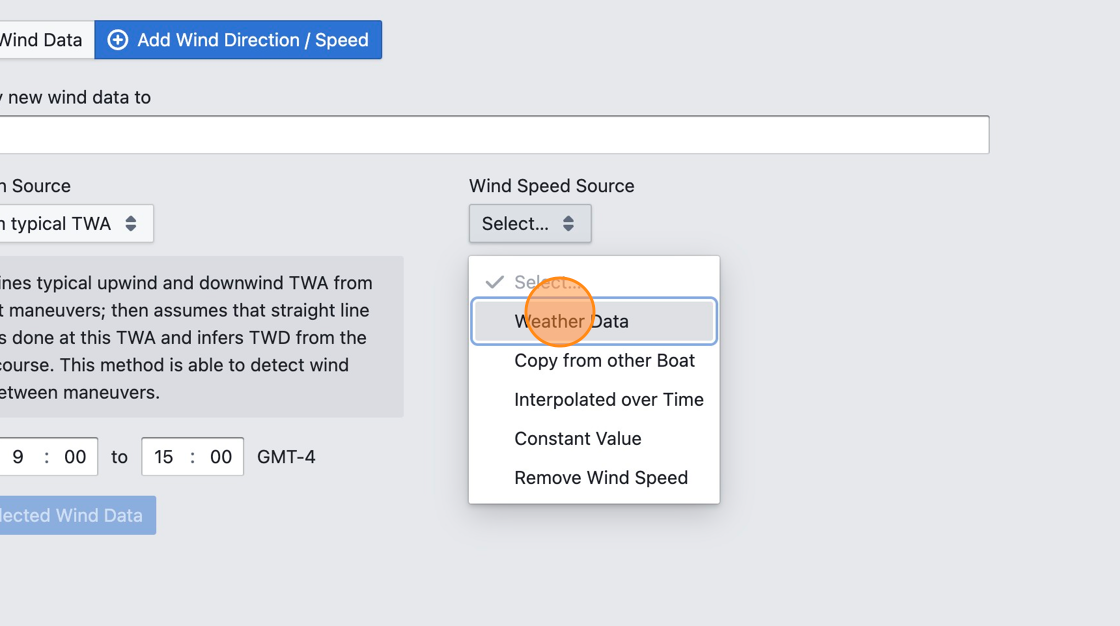
Select "Weather Data" for "Wind Speed Source".
This option is recommended if you don't have any wind speed measurements on that day. Otherwise, consider entering wind speed manually ("Constant Value" or "Interpolated over Time" options).
Step 7
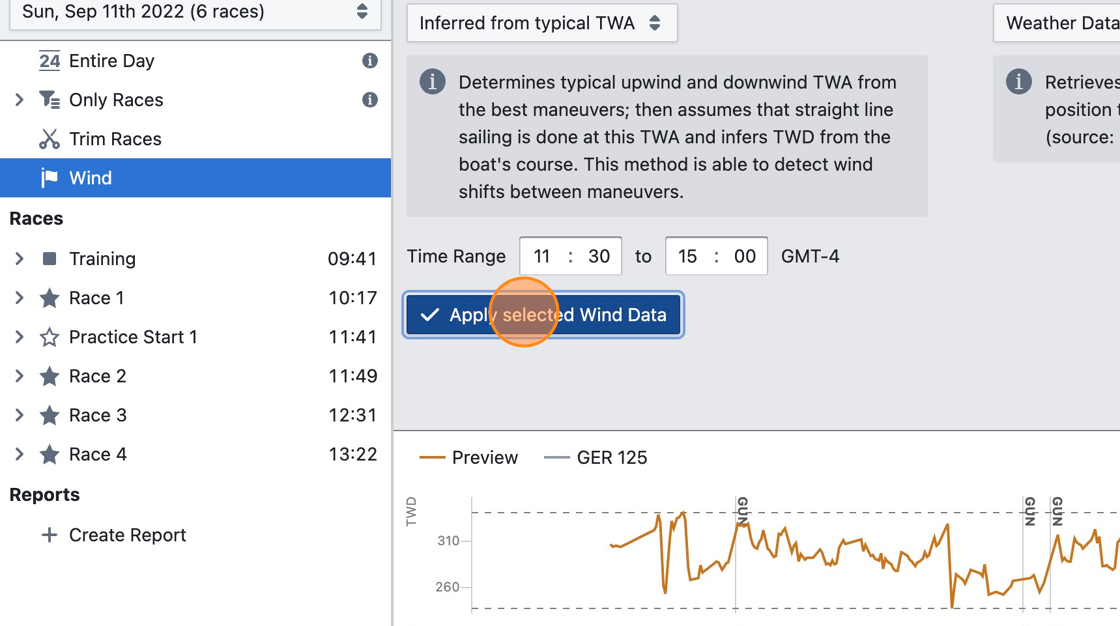
Wait for the orange "Preview" line to load in the charts below and verify that the wind data is accurate enough to be usable. If it isn't, try different settings.
Step 8
Click "Apply selected Wind Data"
Only the wind direction and speed inside the "Time Range" shown above are replaced — outside it they are kept as they are. The same applies when removing wind, so to clear a whole day, widen the range first using the "Whole day" button next to the time pickers.
One thing is not limited to the time range: applying or removing wind also clears the apparent wind channels (AWA and AWS), across the whole day rather than only the selected range. They are cleared because they would otherwise contradict the new true wind, and unlike TWA, VMG and the target columns they are not recalculated afterwards. Reprocessing the segment brings them back by rebuilding it from the original upload, which also removes the wind you applied.
Step 9
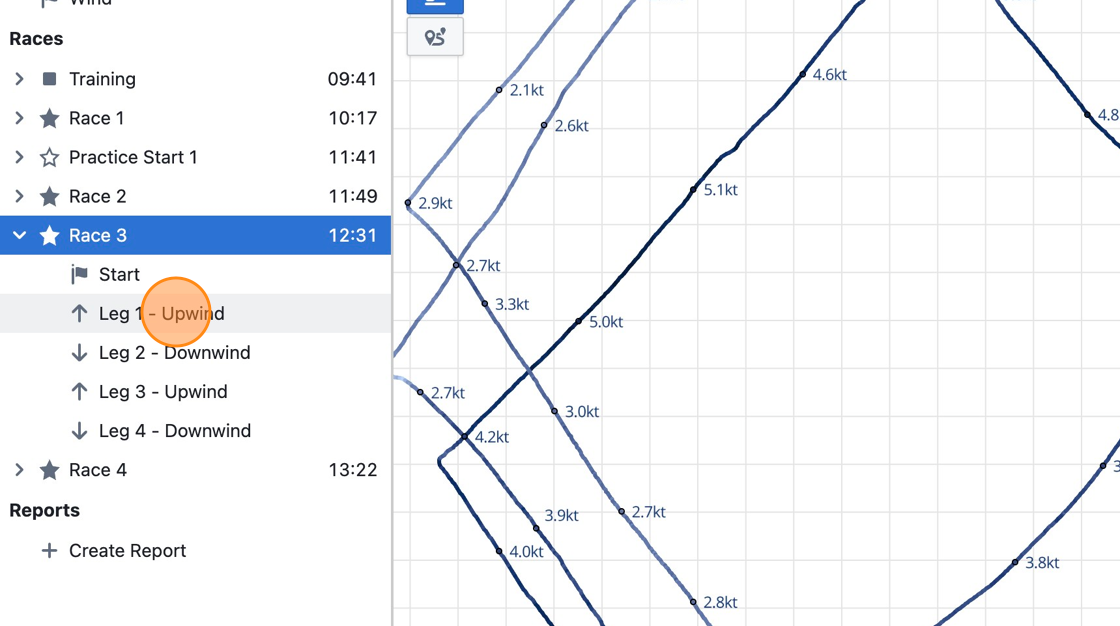
Click on a race, which should now be broken into legs due to TWA data being present.
Step 10
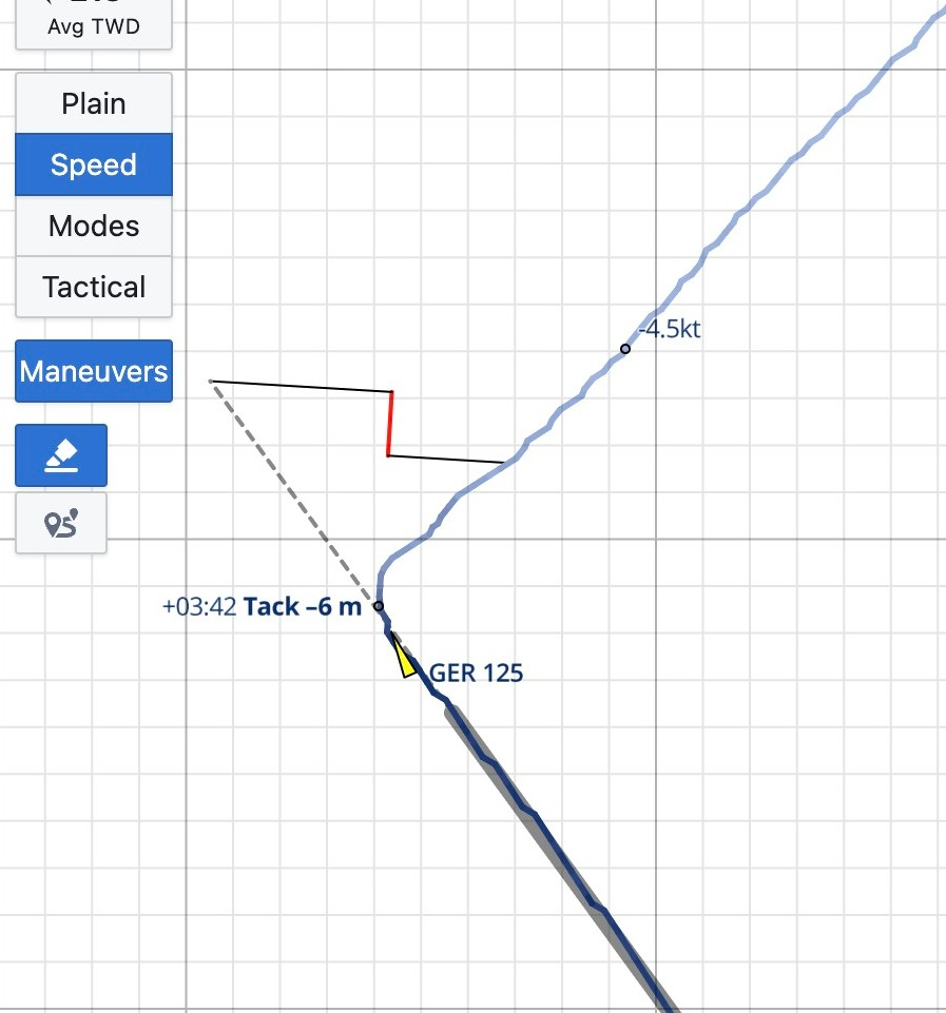
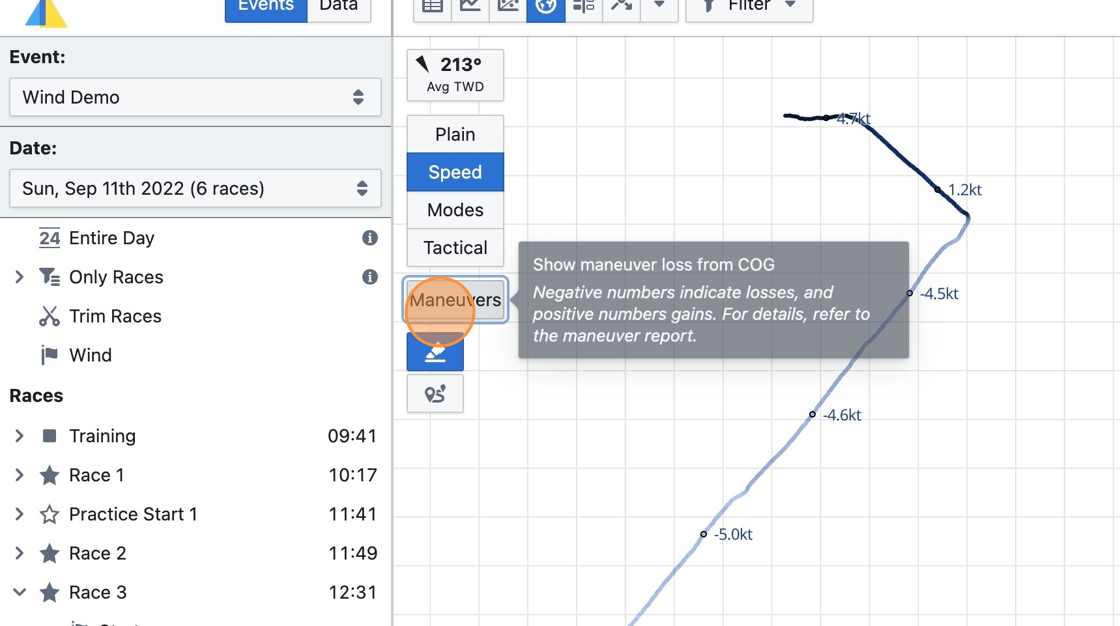
Using TWA data, maneuvers can be detected and analyzed. Select the map view and click on "Maneuvers".
Step 11
Maneuvers are highlighted along the boat's track and maneuver loss is displayed.